Social Login
Weincloud now supports third-party authentication login using social platforms. Currently, Email, Google, Microsoft, Apple, and WeChat are available, with different options supported depending on the region.
Login Platform
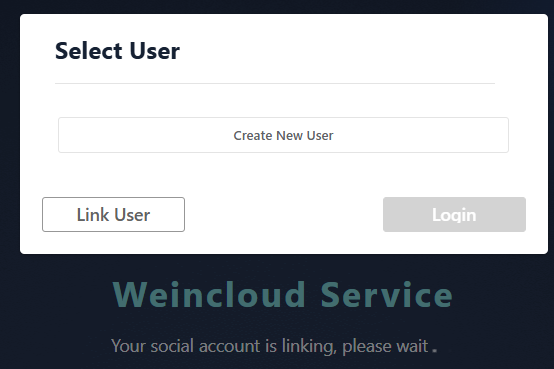
- When logging in for the first time, you can choose to create a new Weincloud account directly. Weincloud will automatically generate a Domain name for you to use. You can later change your Domain name in the
Account Settingspage. - Alternatively, you can choose to link your third-party platform account to an existing Weincloud account, allowing you to log in to your Weincloud account directly using the third-party platform account.
- If you have already linked a Weincloud account, you can also select the linked Weincloud account to log in directly.
Identifying Social Login Users
Weincloud determines whether a user is a social login user based on their login method. If a user logs in through a third-party platform, the system will automatically mark them as a social login user.
- Your personal information in the upper right corner will display the platform you are using
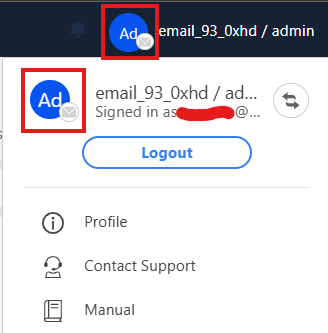
Switch Weincloud Account
If you have multiple Weincloud accounts, you can choose to switch to another account.
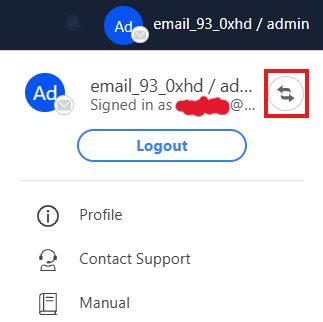
- Click on your personal information in the upper right corner and select the switch icon
- Select the Weincloud account you want to log in to and click login
Link More Weincloud Accounts
If you have other Weincloud accounts, you can link them to your current account for easier management.
- Click on your personal information in the upper right corner and select the switch icon
- Select
Link User
Or
- Select
Link Userfrom the left menu - Click
Link Domain Userat the top 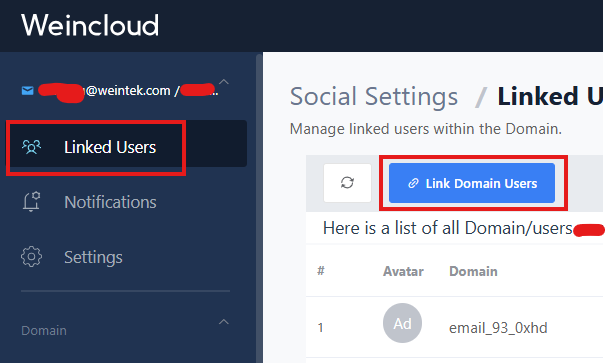
Change Domain Name
This applies to users who created a Weincloud account using social login for the first time. The Domain name will be automatically created by Weincloud. If you need to change the Domain name, follow these steps:
- Select
Domainfrom the left menu, then selectSettings 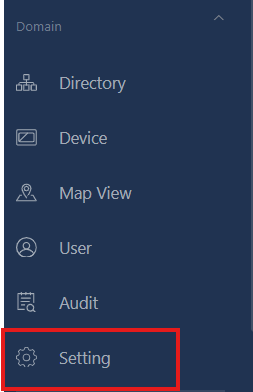
- Select
Name, then clickEditon the right 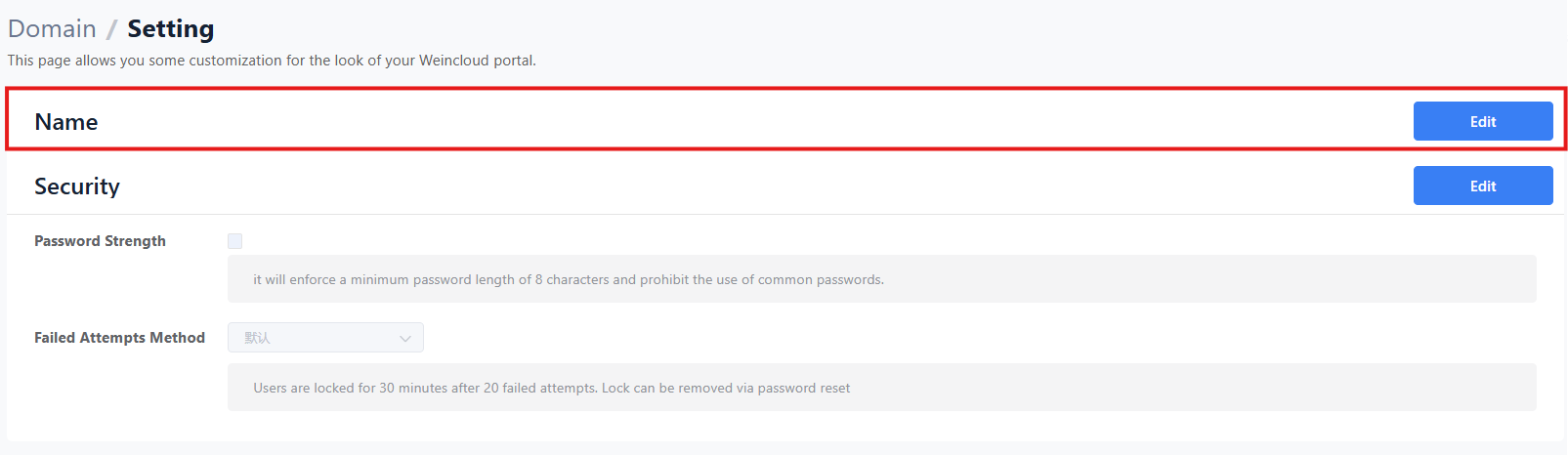
- Submit after completing the modification
Delete Social Login Information
If you don't want to keep your social login information, you can completely delete your social login information on Weincloud.
- Select
Social Account Settingsfrom the left menu - Select
Delete Social Login 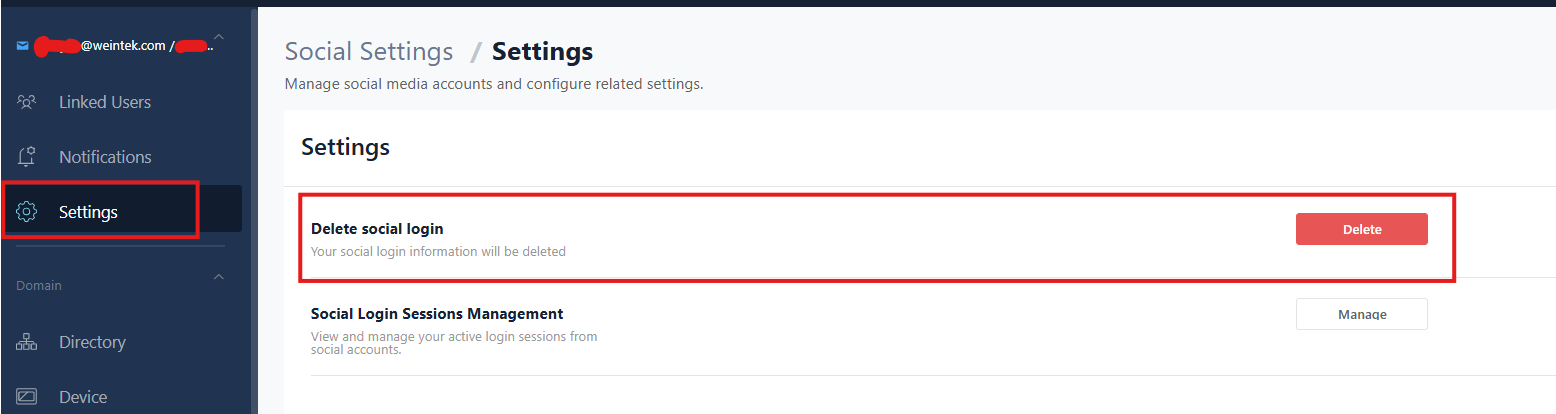
Manage Social Login Status
You can manage the login status of your current social account, view login information, and perform forced logout.
- Select
Social Account Settingsfrom the left menu - Select
Manage Login Status 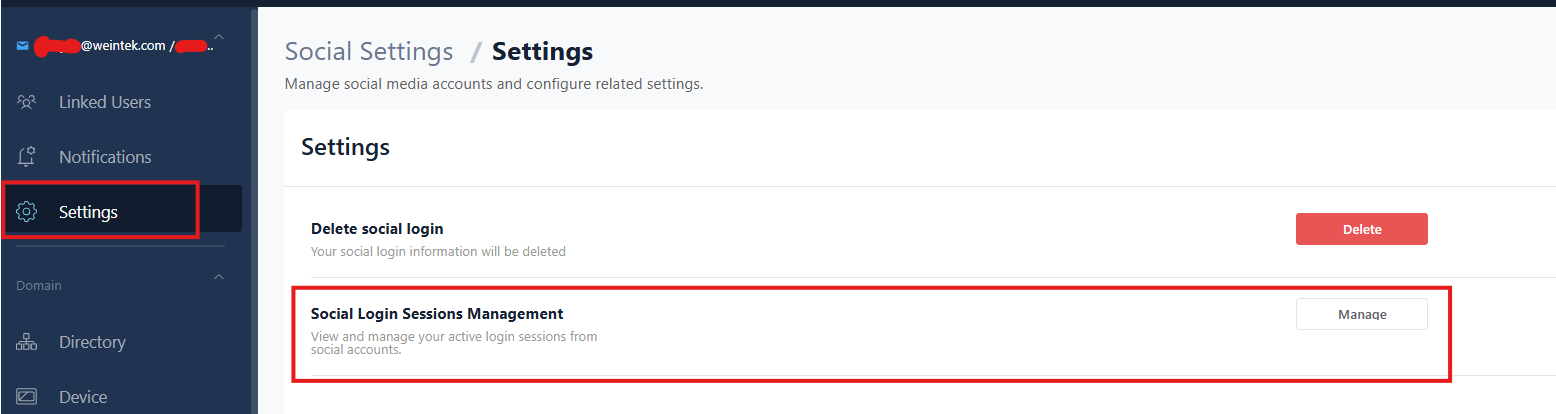
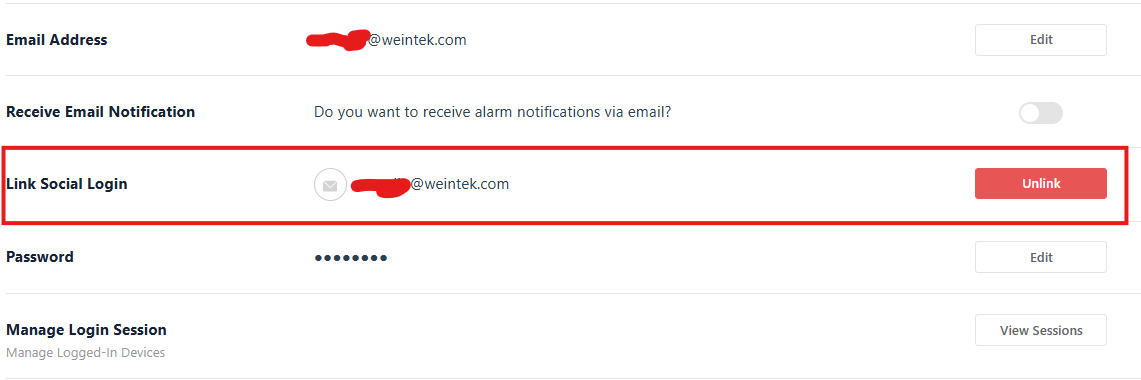
Unlink Account
If you want to unlink the social platform from your current Weincloud account, follow these steps:
- Click on your personal information in the upper right corner and select
Account Settings - Select
Unlink - After re-verifying your social account, you can proceed with the unlinking operation
More Information
What's the difference between deleting social login and unlinking?
- Deleting social login completely removes your social login information on Weincloud, affecting all linked Weincloud accounts.
- Unlinking disconnects the social platform from a specific Weincloud account but retains the social login information, and only affects a single Weincloud account.
There is no difference in subsequent use of Weincloud for either action. You can still log in using Email or other social platforms.
Why can't I change my Domain name?
- Only users who created a Weincloud account using social login for the first time can change their Domain name.
- If you want to modify it again, please contact Weincloud customer service for assistance.
Permission Settings
- The permission settings for social login users are the same as the permissions of your currently linked Weincloud account. Setting the Weincloud account permissions will also change the social login user's permissions accordingly.