Getting Started
Weincloud runs on two fully independent servers for the Global and China regions; accounts and licenses are not shared between them. Choose the site that matches your location:
- Global: https://www.weincloud.net/
- China: https://www.weincloud.net.cn/
Domain Creation
Anyone can create a new domain for free by providing a valid e-mail address.
On the Weincloud website, click [Register], then enter the [Domain Name], [Password], [Email], and [Company Name]. Be sure to read the Terms of Service and Privacy Policy before submitting.
Security Tip
To protect your domain account and platform security, please refer to the Weincloud Security Best Practices.
After submitting, you will receive an email titled "Weincloud Domain Registration Confirmation" at your registered address. Click the "complete E-mail registration confirmation" link in the email to finish the domain registration process. If you did not receive the email, click [Did not receive email], enter the domain name and username, and click [Submit] to resend it, or contact our customer support.
Domain Login
Enter the [Domain Name], [Username], and [Password] in the domain management system to log in to Weincloud. The Domain administrator account is unified as "admin," responsible for managing all settings and users within the Domain.
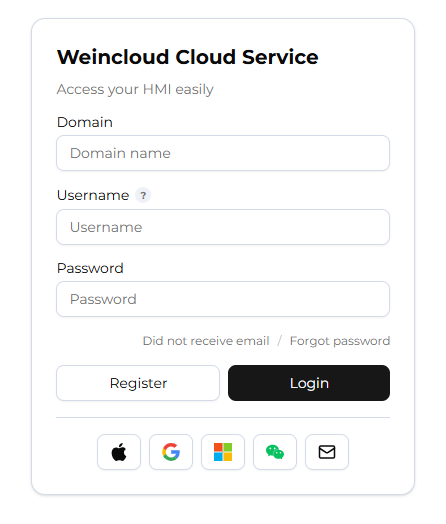
If the password is lost, click [Forgot password], then enter the [Domain Name] and [Username]. An email will be sent to the registered address; click the link in the email to reset the password.
If a user has enabled Multi-Factor Authentication (MFA), a time-based six-digit code must also be entered at login. For more details, see Multi-Factor Authentication (MFA).
Adding an HMI
On the Directory page, press the + button to add a new HMI device to the Domain.
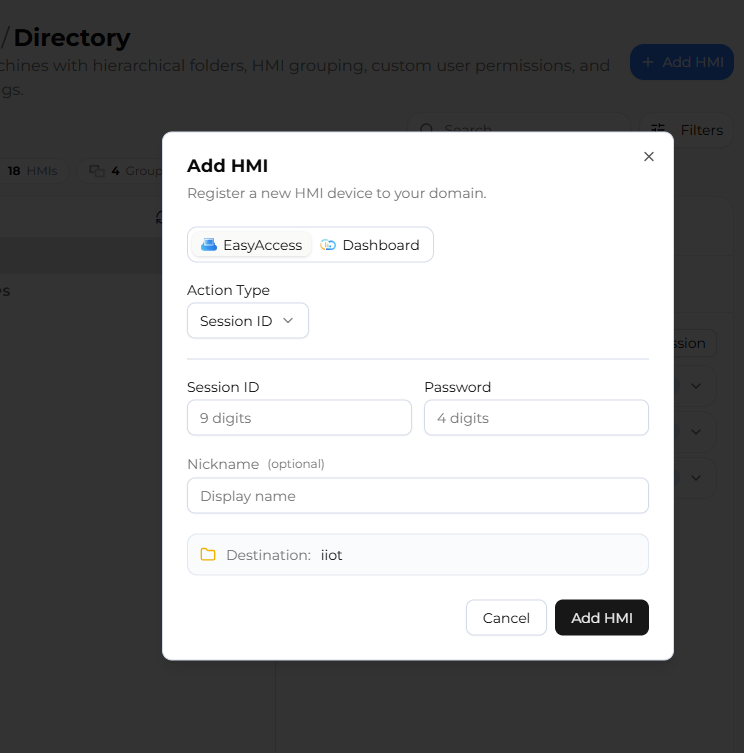
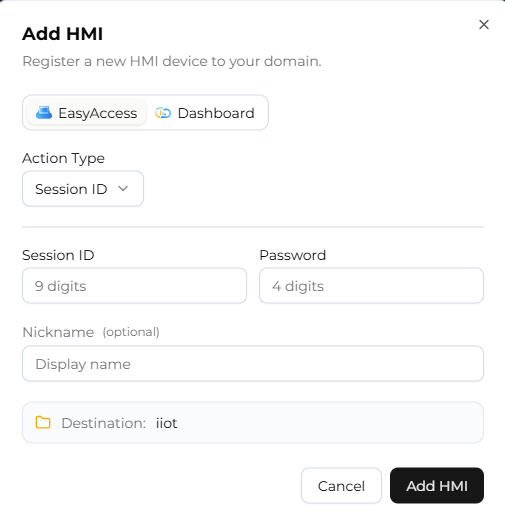
Once added, you can choose to activate either of the following services (trial activation used as an example):
EasyAccess 2.0 Service: A remote access service that lets you connect to and control your HMI devices from anywhere over the internet. Enter the HMI's Hardware Key to complete activation.
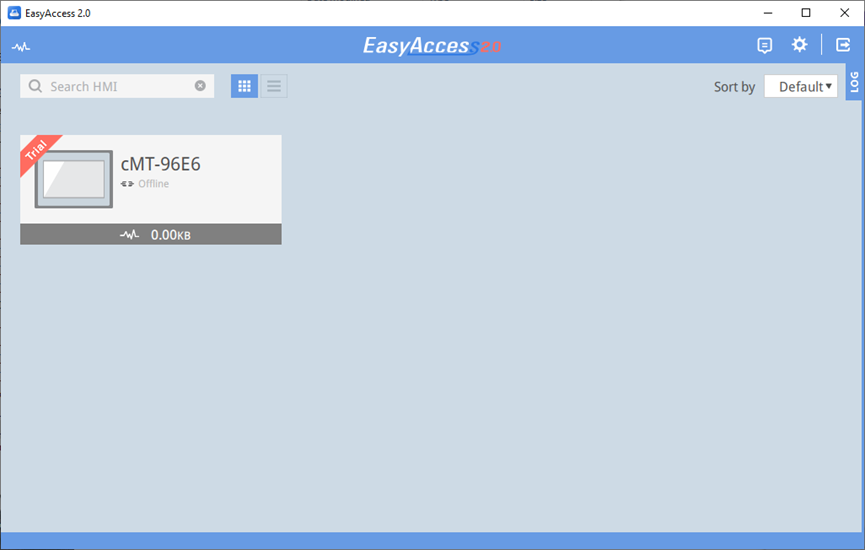
Once activated, the HMI will appear in the EasyAccess 2.0 app using the login credentials you just registered.
Dashboard Service: Provides a visual interface for monitoring and displaying data and performance indicators of HMI devices.
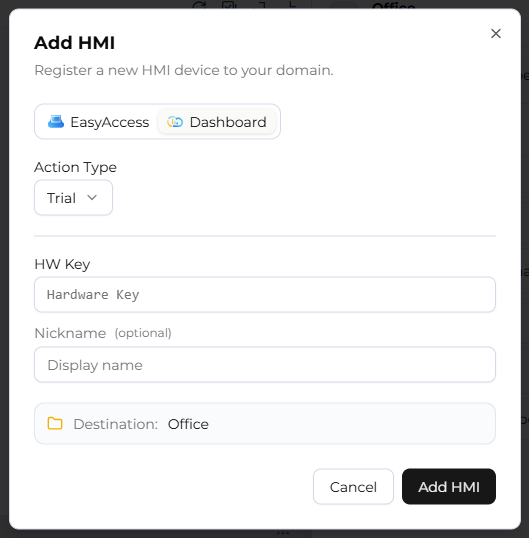
For activation steps of each service, please refer to the corresponding user manual.